Prompt
Template 1 of 1Motion Control AI Video Generator
Create AI videos from a character image and a motion reference. Guide movement, timing, and expression, and review the credit cost before generation.
Why Creators Choose Motion Control AI
Use reference motion to guide character movement and pacing, and keep creative choices in your hands. Review the credit cost before each generation.
Guide Motion More Precisely
Use a motion reference to control movement, pacing, gestures, and action more clearly than prompt-only video generation.
Keep Characters More Consistent
Apply motion to a target image while preserving the character's look, identity, and overall visual consistency more effectively.
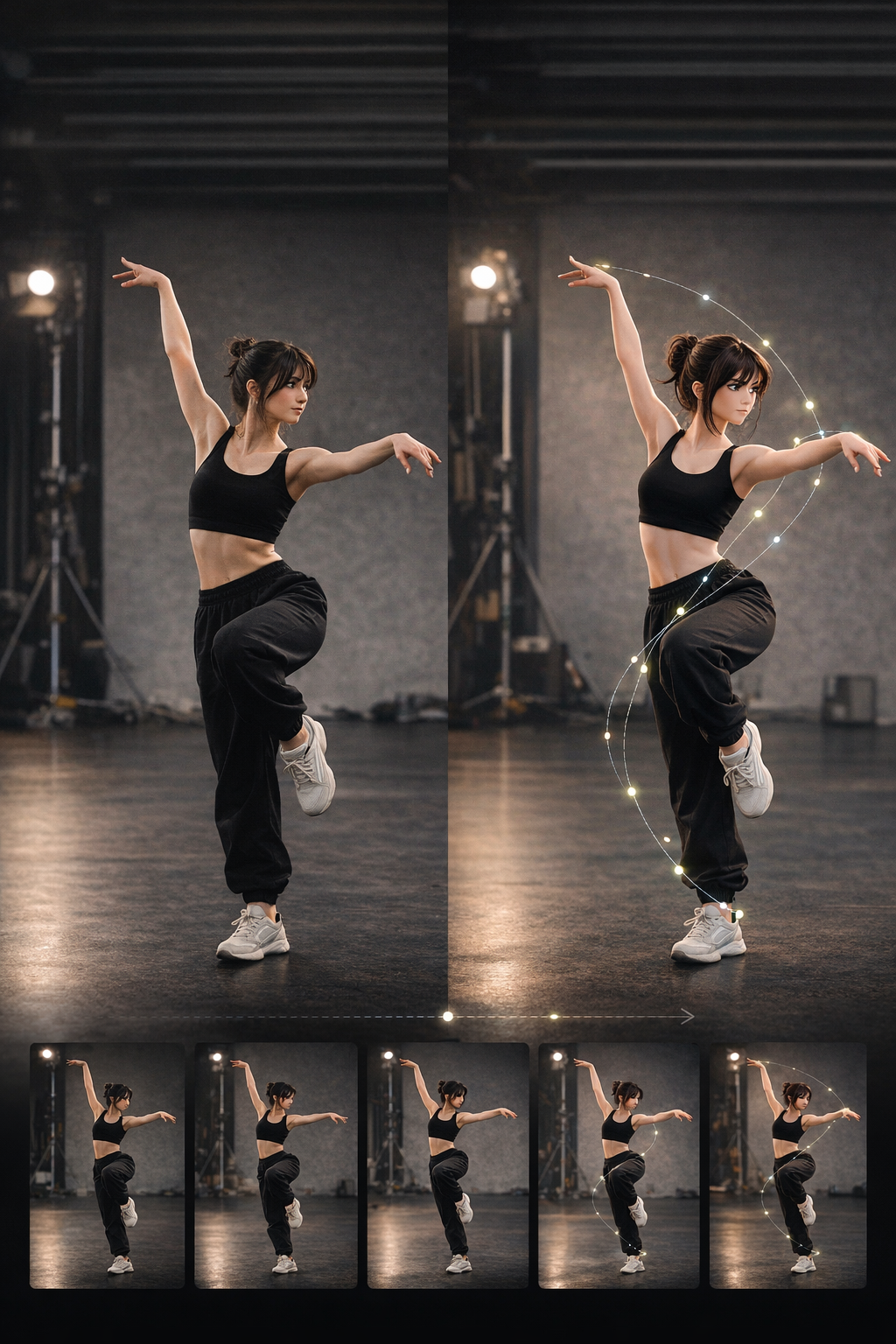
Create More Controllable AI Videos
Generate motion-led videos for dance, acting, reactions, and character scenes with outputs that feel more directed and predictable.
Review Costs and Iterate
See the required credits before submission. Use an eligible plan or credit pack to generate videos and compare motion ideas.
What You Can Do With Motion Control AI
Animate characters, transfer motion from reference video, and explore different creative workflows with Motion Control AI.
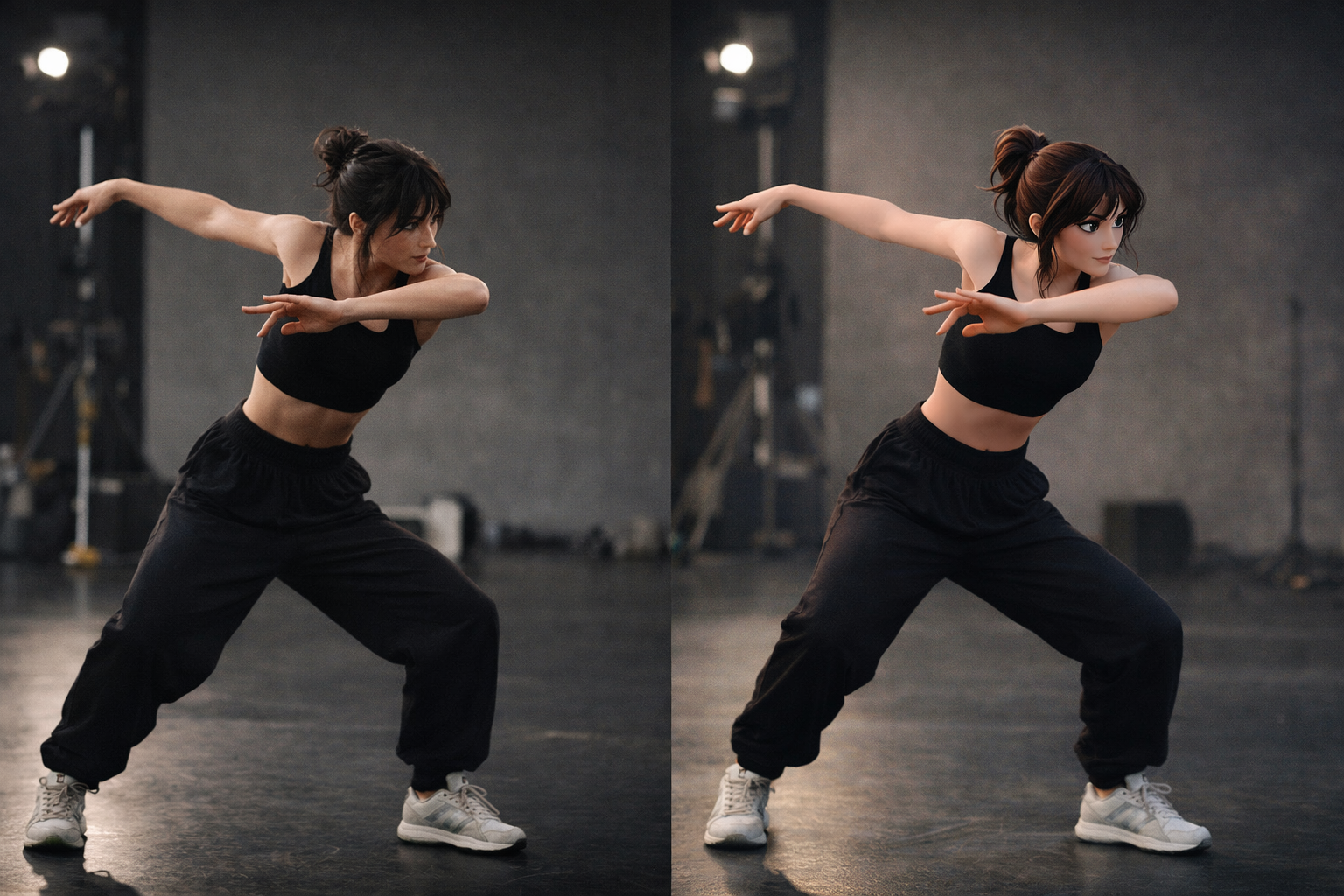
Animate a Character From a Still Image
Upload a target image and turn it into a moving character with motion-guided video generation. This is one of the fastest ways to create motion control AI videos from static visuals.
Animate from Image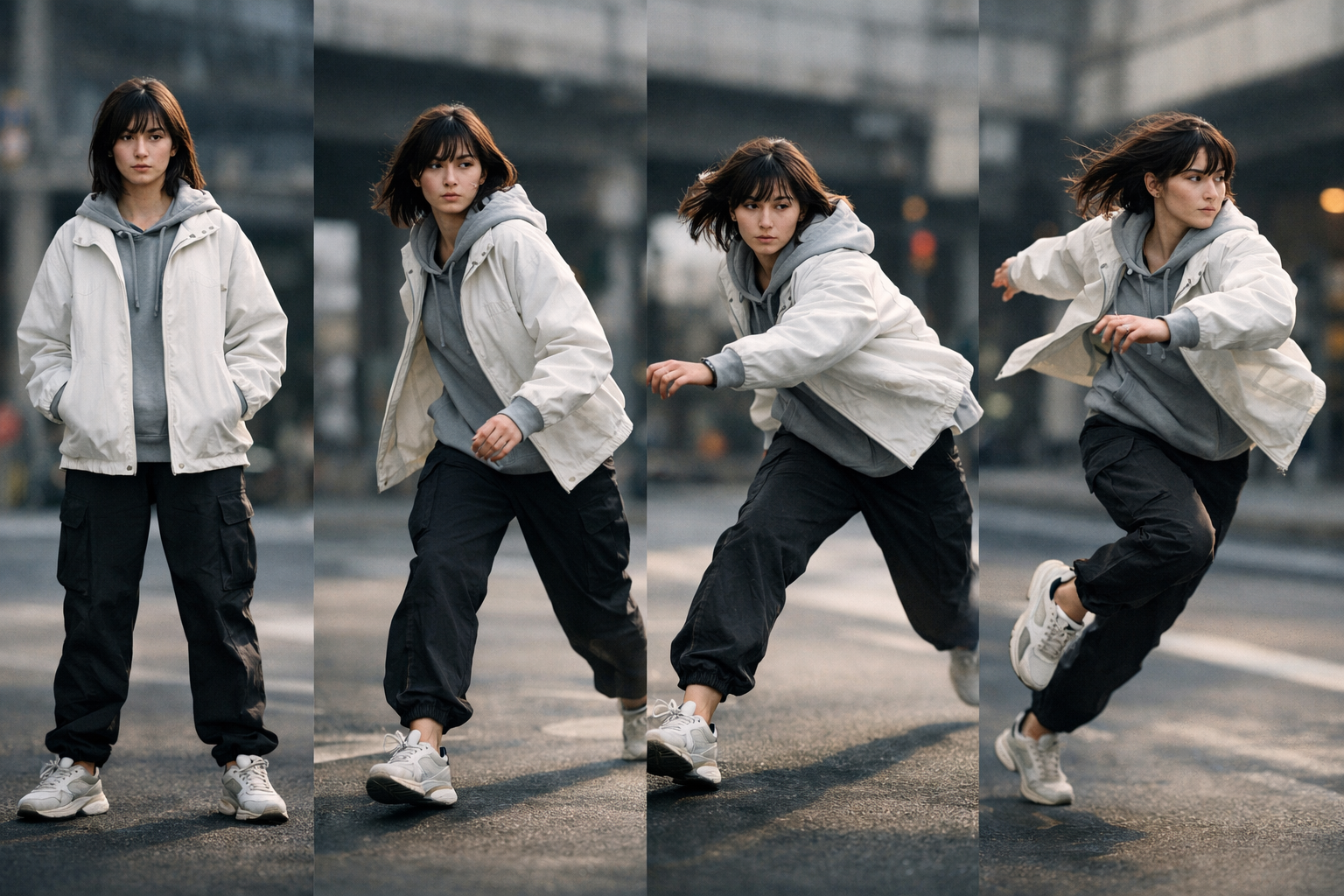
Transfer Motion From a Reference Video
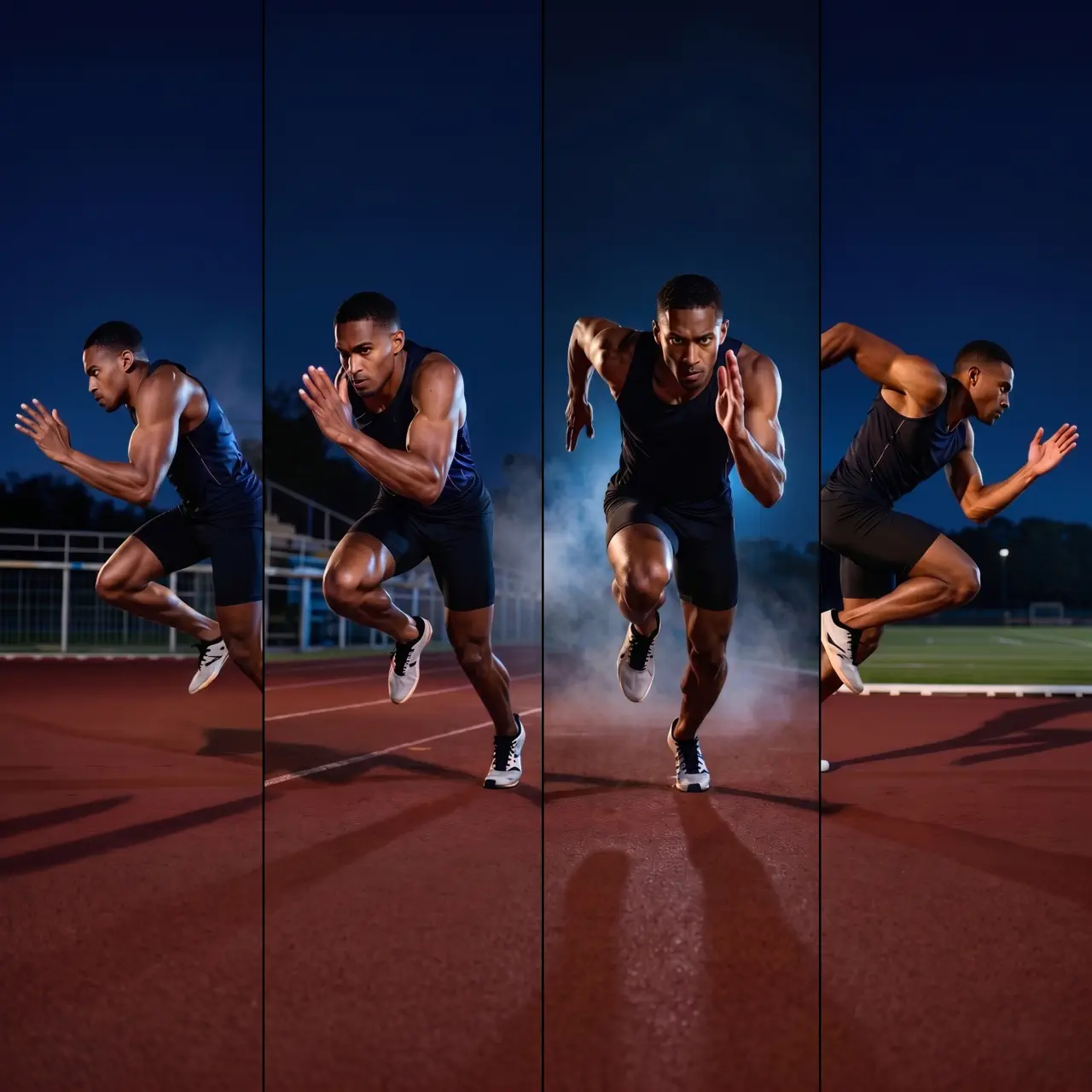
Use a real motion clip to guide body movement, gestures, and pacing. This helps when prompt-only generation is not accurate enough for the video you want to create.
Use Motion Reference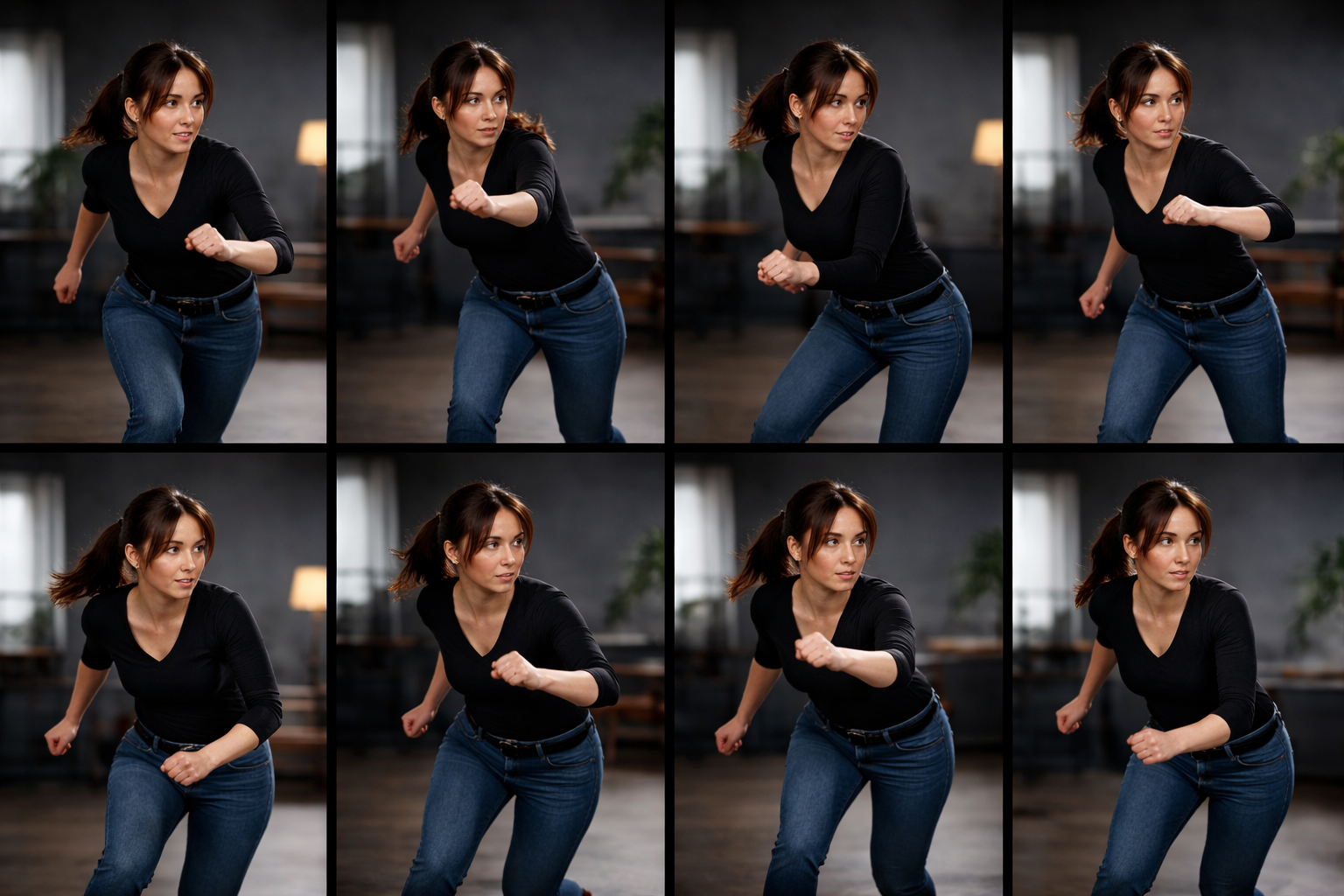
Keep Character Identity More Stable
Generate videos that stay closer to your source character while applying new motion. This is especially useful for avatars, stylized characters, and repeatable visual content.
Create Consistent Characters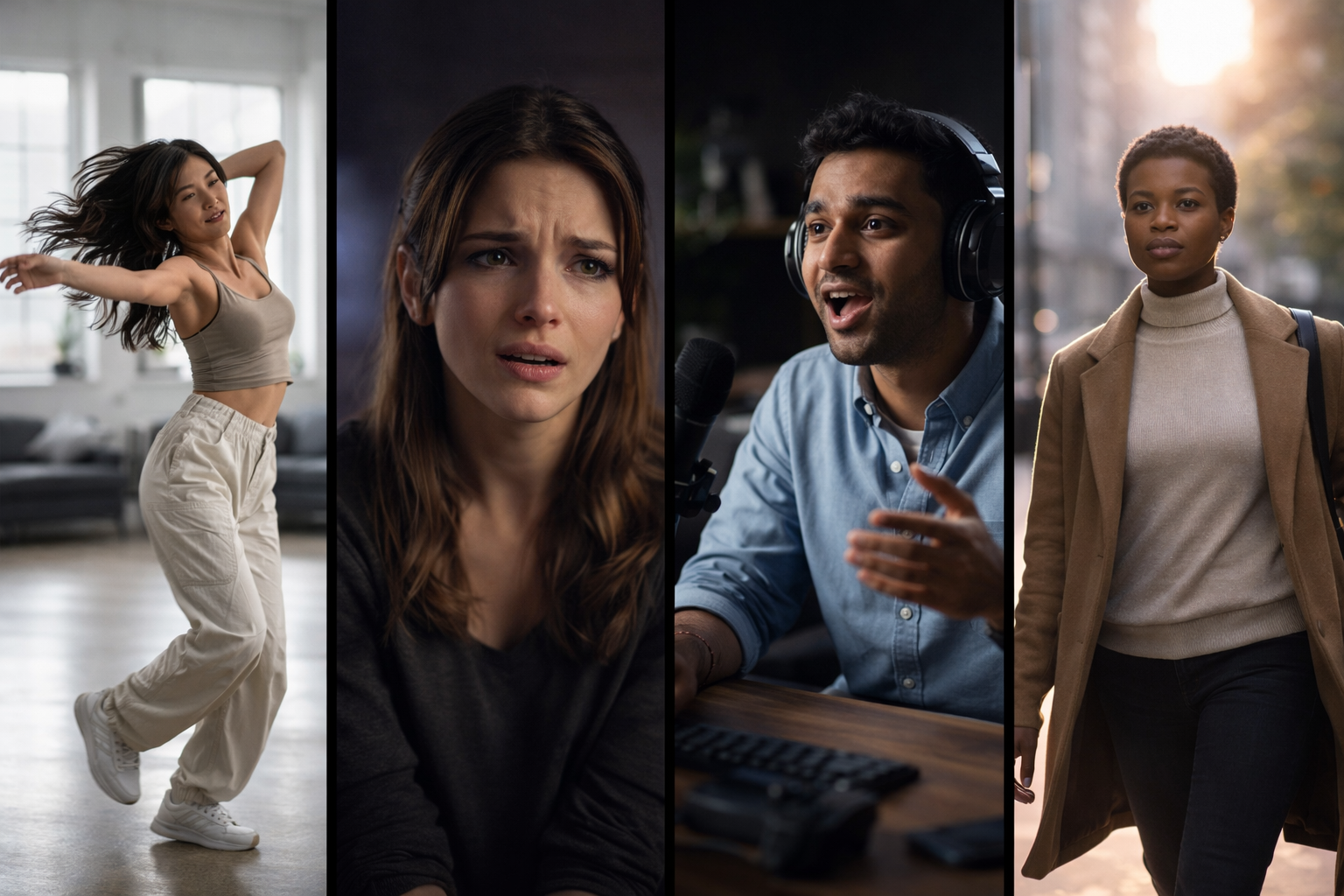
Create Motion Control AI Videos for Different Styles
Make dance clips, acting shots, reaction videos, cinematic tests, and social content with a motion control AI video generator built for directed movement.
Explore Video Styles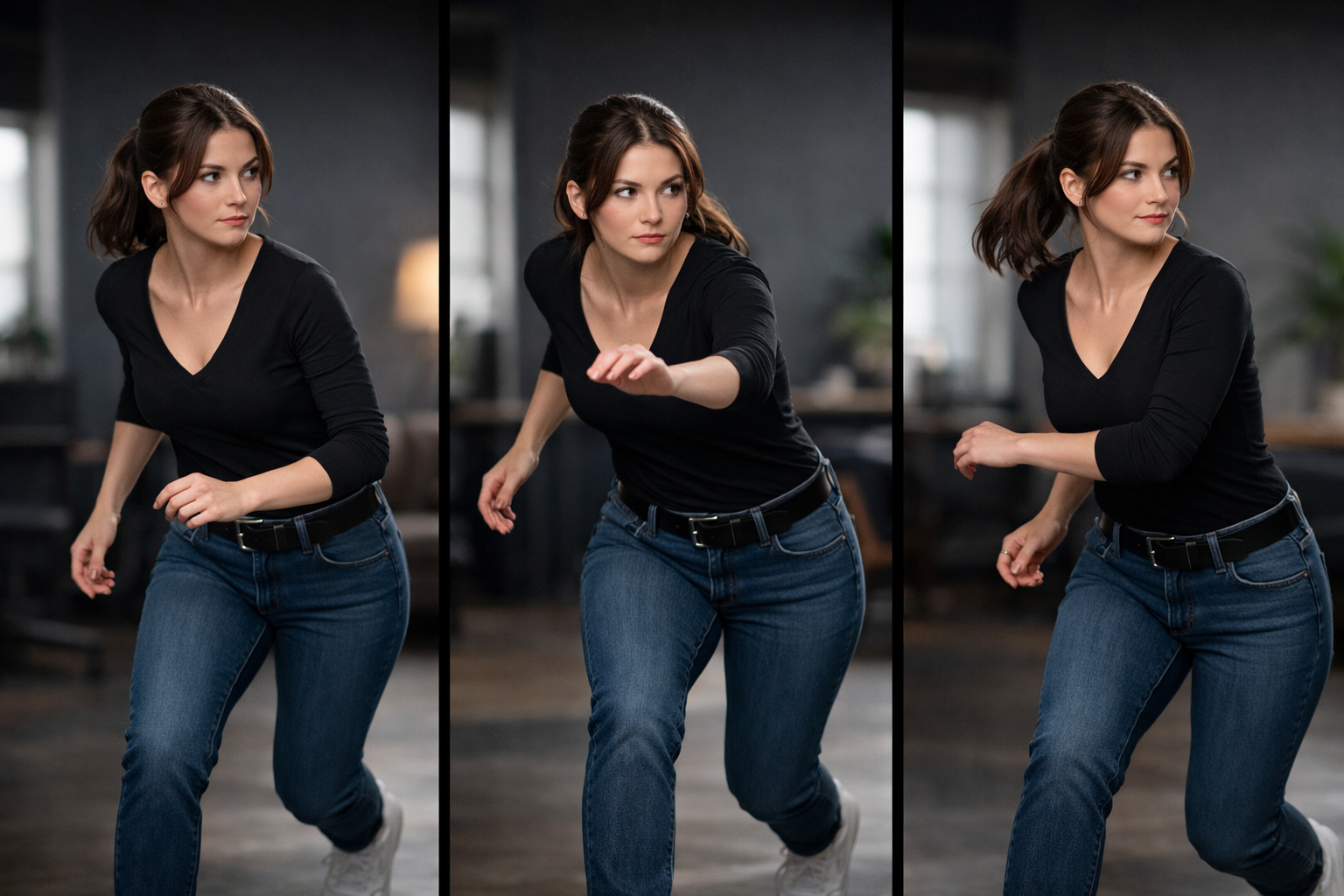
Plan Your Generation Credits
Check the required credits for your resolution and reference duration. Welcome credits alone do not cover the minimum video generation cost; add credits through an available plan or pack.
Prepare a Video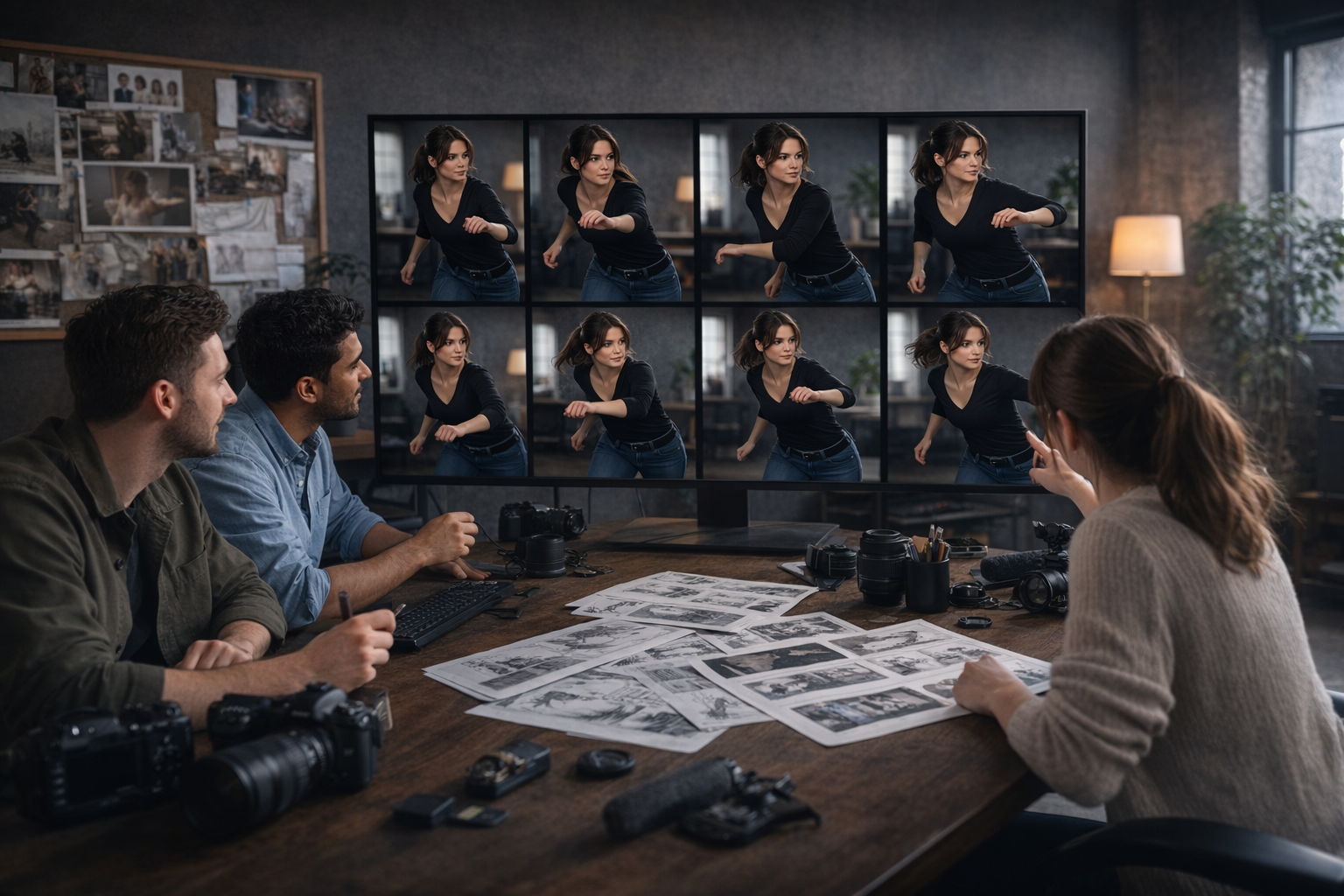
Use Motion Control AI for Creative Workflows
Create character videos for content creation, ad concepts, visual experiments, pre-production tests, and other projects that need more controllable AI video results.
Start CreatingWho This Motion Control AI Tool Is For
Whether you make social videos, character content, ad creatives, or visual experiments, motion control AI helps you create more directed results with less guesswork.
Create motion-led short videos faster
Content Creators
Use motion control AI to make dance clips, reaction content, and character videos that follow a clearer movement idea.
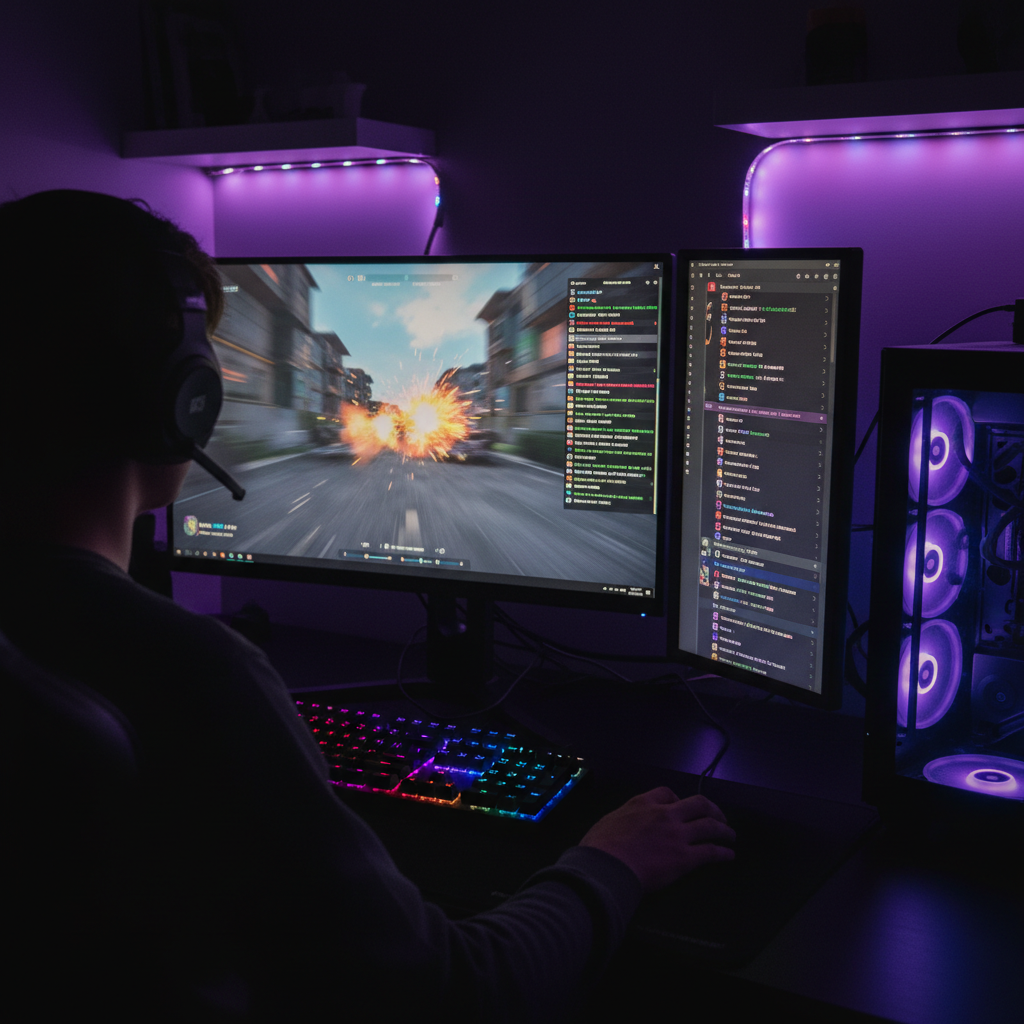
How to Use Motion Control AI
Upload your character, add a motion reference, and generate a controllable AI video in a simple three-step workflow.
Open Motion ControlUpload Your Character Image
Choose the image you want to animate. This becomes the target character in your AI video.
Add a Motion Reference Video
Upload a source clip that contains the movement, gesture, or action you want the final video to follow.
Generate Your Video
Review the credit cost, ensure your balance is sufficient, and generate your video. Preview the result before refining it with a new reference or image.
Explore Another Creative Tool
Motion Control AI FAQ
Learn how Motion Control AI works, what you can create, and how generation credits are used.
Motion control AI is a way to generate AI videos using a motion reference to guide how a character moves. It gives you more control than prompt-only video generation.
Account registration is free and includes welcome credits. Welcome credits alone are below the minimum video generation cost, so you need additional credits to generate a video. The tool shows the required credits before submission. Subscription credits expire after 30 days; purchased pack credits are permanent, while their additional generation access lasts 30 days. See the pricing page for available plans and packs.
You can create dance videos, acting clips, gesture-based scenes, character performances, and other AI videos that depend on controlled movement.
In most cases, you need a target image and a motion reference video. The tool uses both inputs to create the final output.
AI motion control uses a reference motion video to guide movement more directly, while a standard AI video generator often relies on prompts alone. This makes AI motion control a better option when you want more predictable pacing, gestures, and character behavior.
The best motion reference videos have clear movement, stable framing, and visible body action. Clean source clips usually make it easier for a motion control AI tool to transfer gestures, pacing, and motion more accurately.
Yes. Motion control AI is useful when you want a character to stay closer to the look of your source image while following a new motion reference. This makes it a strong option for repeatable content, avatars, and character-based AI videos.
No. A motion control AI workflow is usually simple: upload a target image, add a motion reference video, and generate the result. You do not need advanced editing skills to start creating motion-guided AI videos.
Motion control AI works better when movement matters. If you want a character to follow a specific gesture, pose, rhythm, or action pattern, using a motion control AI video generator is often more reliable than relying on prompts alone.

Create With Motion Control AI
Prepare a character image and a motion reference, then review the cost before creating your video. Registration is free; video generation requires enough credits.
Open Motion Control